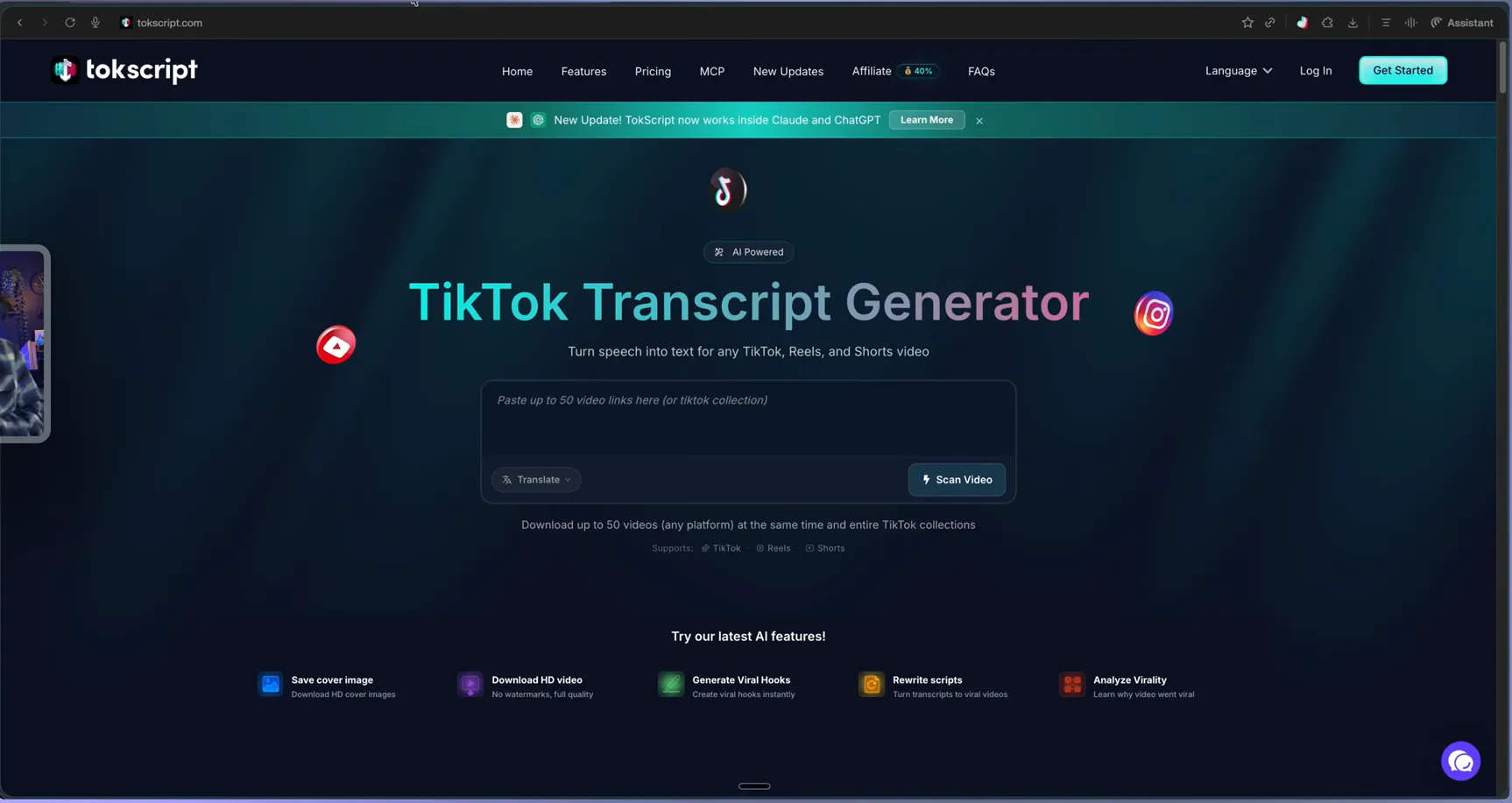
To get a transcript from TikTok, copy the video link, paste it into TokScript, and press Transcribe — an accurate, timestamped transcript appears in about 5-10 seconds, ready to copy or export. The free plan covers 5 transcripts every day in 100+ languages, so the core paste-and-read workflow below costs nothing to try — steps that belong to paid plans are marked.
Get a transcript from TikTok in four steps
- Copy the video link. On TikTok, tap the Share arrow on any video and choose Copy link —
the format looks like
https://www.tiktok.com/@creator/video/1234567890. - Paste it into TokScript. Open the TokScript web app, drop the URL into the input bar, and press Transcribe.
- Read the timestamped result. Each line carries its timecode, so you can jump between what was said and when — useful for pulling quotes or re-cutting the video.
- Copy or export. Reading, copying, and downloading the transcript itself is free; paid plans add TXT, CSV, XML, or JSON exports and the cloud library.
Transcribing more than one video at a time
Single links are the start. On paid plans, TokScript bulk-imports up to 50 TikTok links in one batch, and if you point it at a creator’s playlist or collection it detects the list and queues every video automatically. That turns competitor research — say, a creator’s last 40 videos — into one readable document instead of an afternoon of replaying clips with a notes app open.
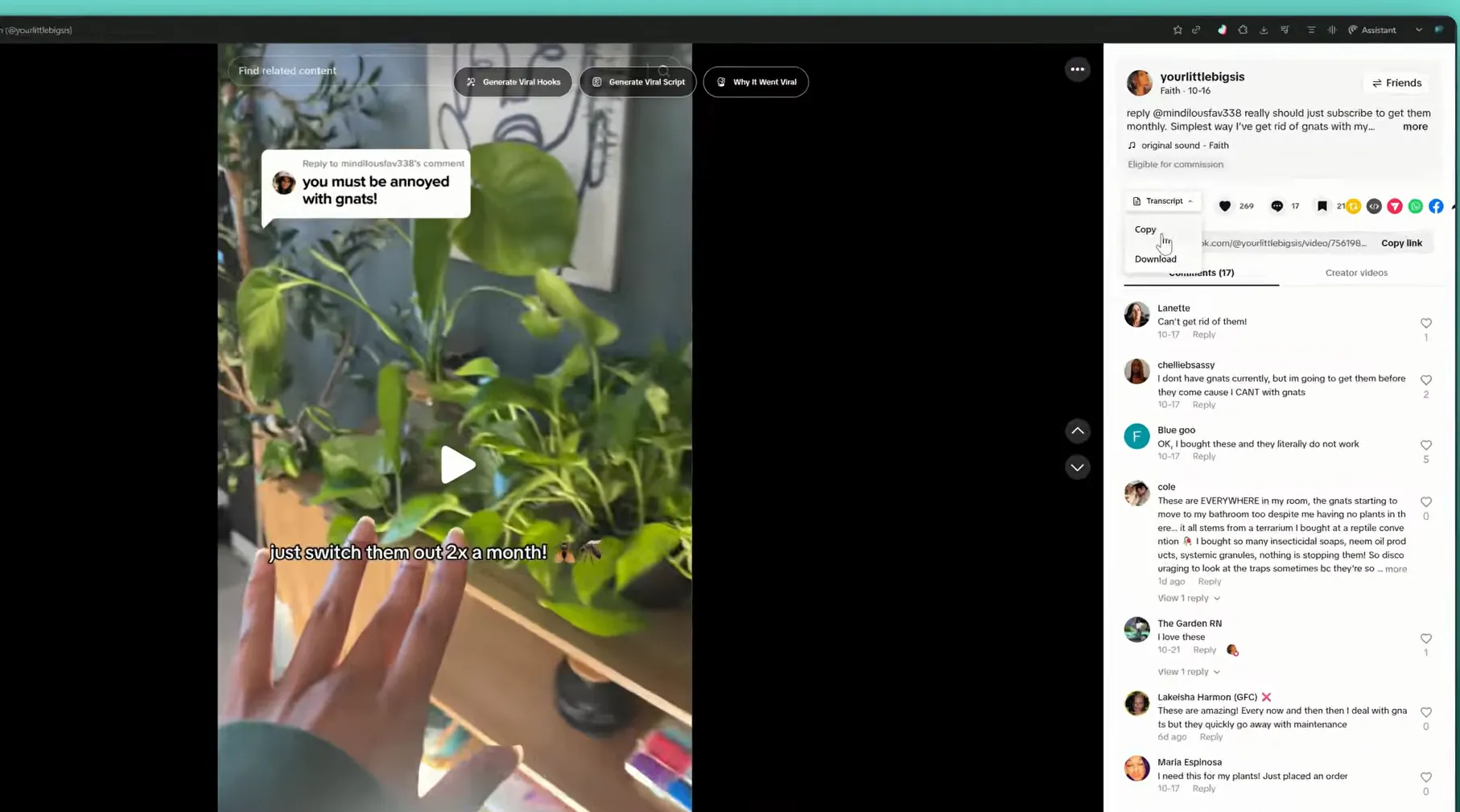
The Chrome extension shortens the loop further: while you scroll TikTok, one click on any video pulls the transcript in place — with a copy/download menu right on the video page — together with engagement analytics and an HD download on paid plans. Install steps live on the download page.
What the transcript is good for
Three workflows come up again and again. Script study: read exactly how a winning hook is phrased, where the promise lands, and what never gets said. Repurposing: turn a spoken video into a caption, a thread, a newsletter section, or a blog draft without retyping a word. Accessibility and archiving: keep a searchable text record of your own channel — 71,900+ creators already run their research this way, according to the official About page.
When the transcript comes out wrong
Accuracy is high on clear speech, but three things degrade any engine: heavy background music, several people talking over each other, and very quiet vocals. If a line comes back garbled, download the video’s own transcript subtitles from the same panel, or re-run the video — private or region-locked videos generally won’t transcribe, since the engine can only read what the public link exposes. Slang and names are preserved as spoken rather than “corrected”, which is usually what script writers want.